-
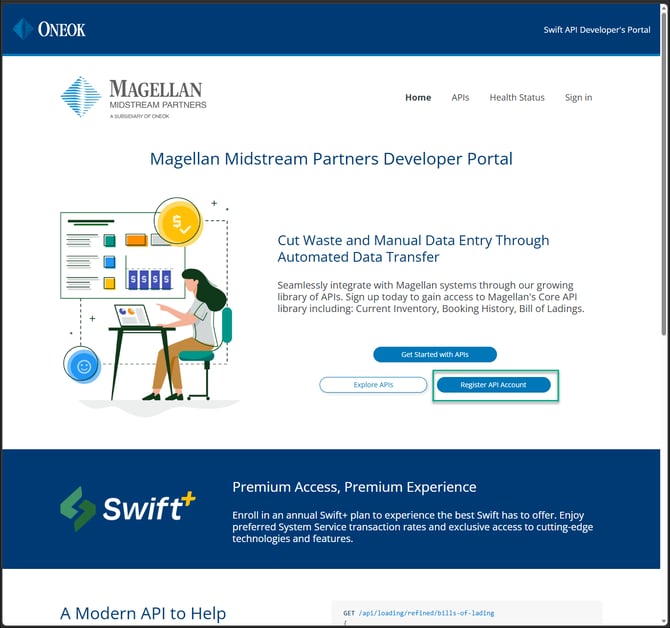
Navigate to https://developers.magellanlp.com/
- Select Register API Account
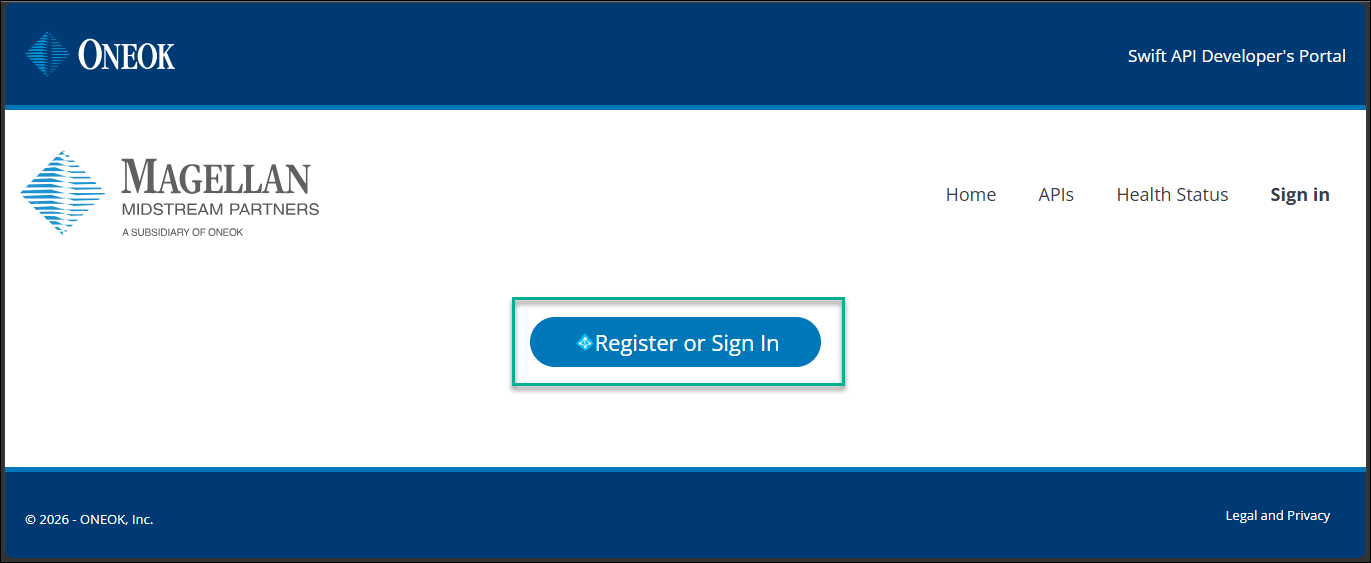
- Select Register or Sign In
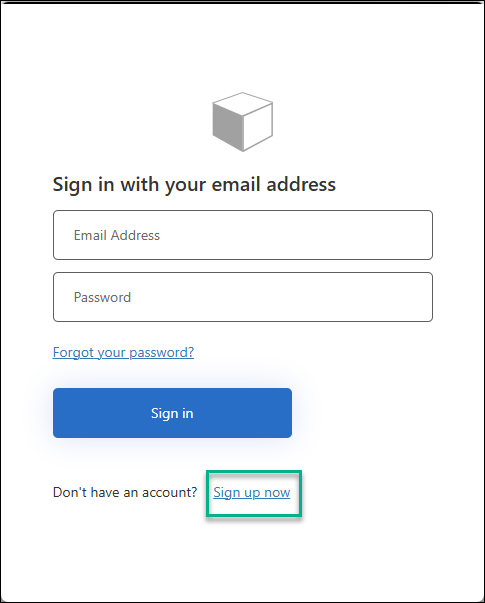
- Select Sign up now
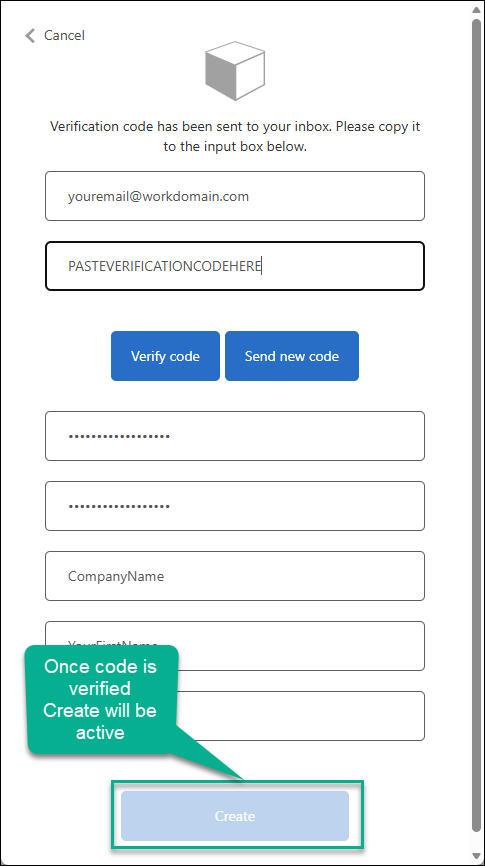
- Fill out registeration form:
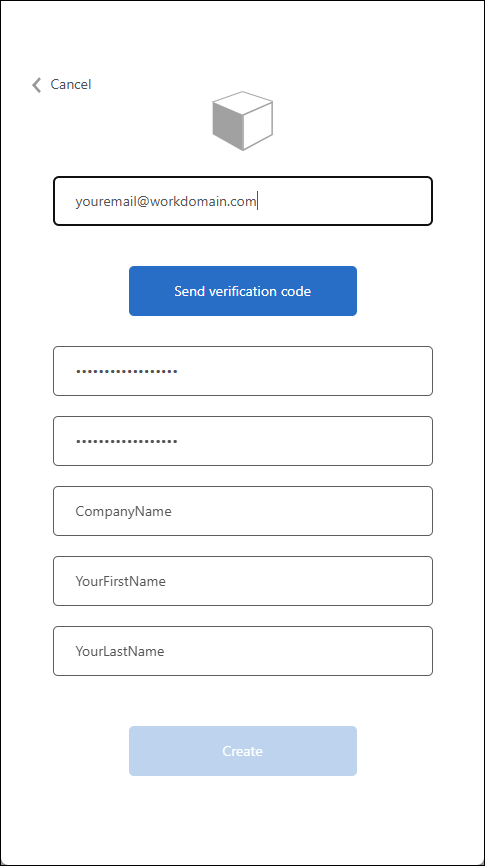
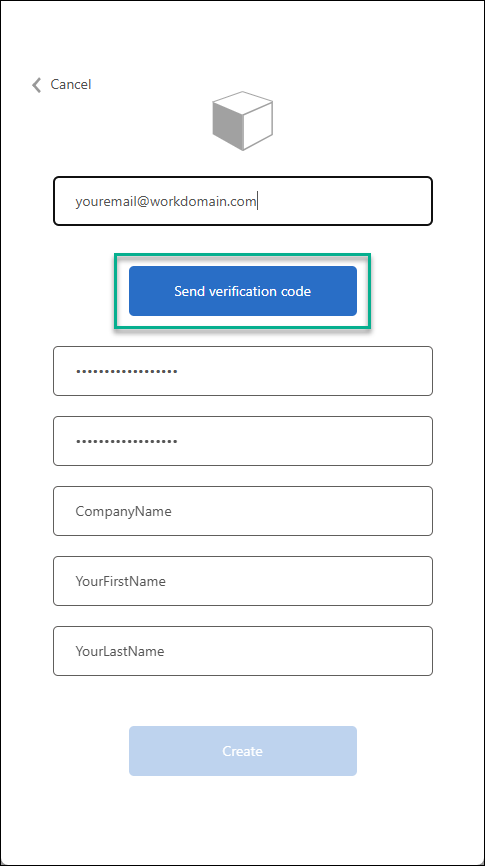
- Select send verification code
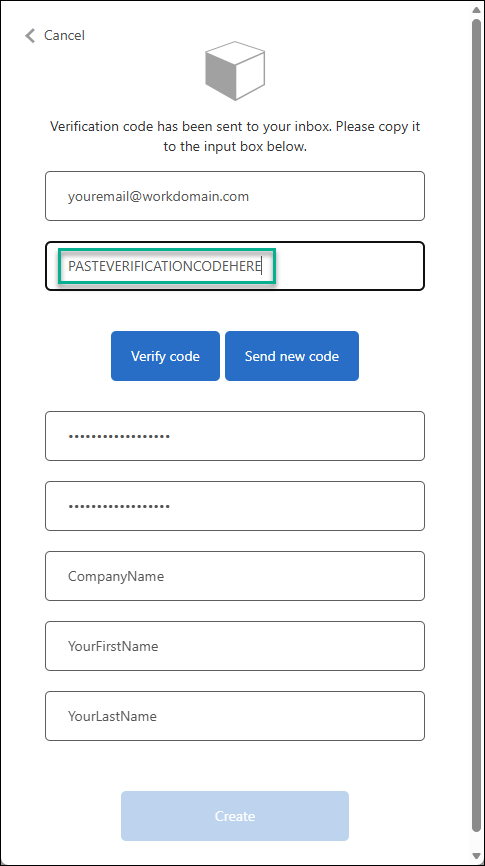
- Navigate to email to retrieve verification code then paste
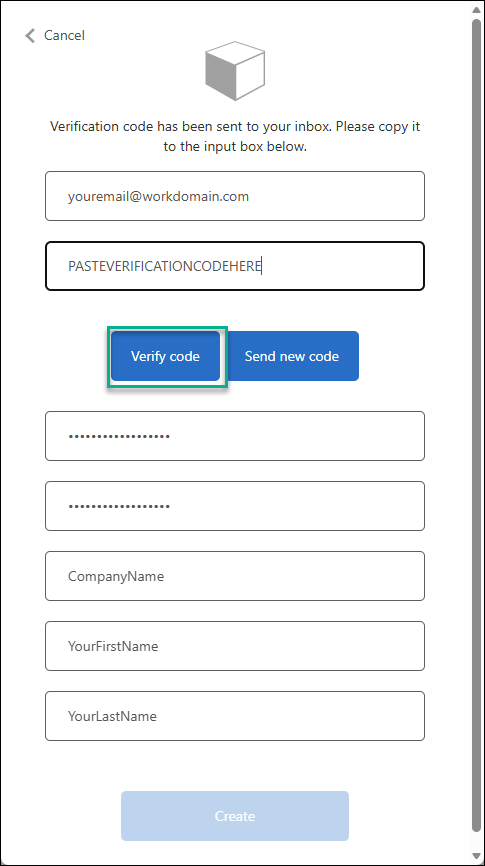
- Select Verify code
- Select Create
- Congratulations! You have now registered for the Swift+ API Developer's Portal, you will recieve a confirmation email.
Until subscriptions are granted to your account, you are not able to see the API definitions.
- A member of our API team will be in contact with you to discuss your subscriptions needs and submit for subscriptions to be assigned to your developer portal account.
- Completion of subscription assignments will send you additional emails.
- 🎉 Now you can Sign in and view the API definitions!